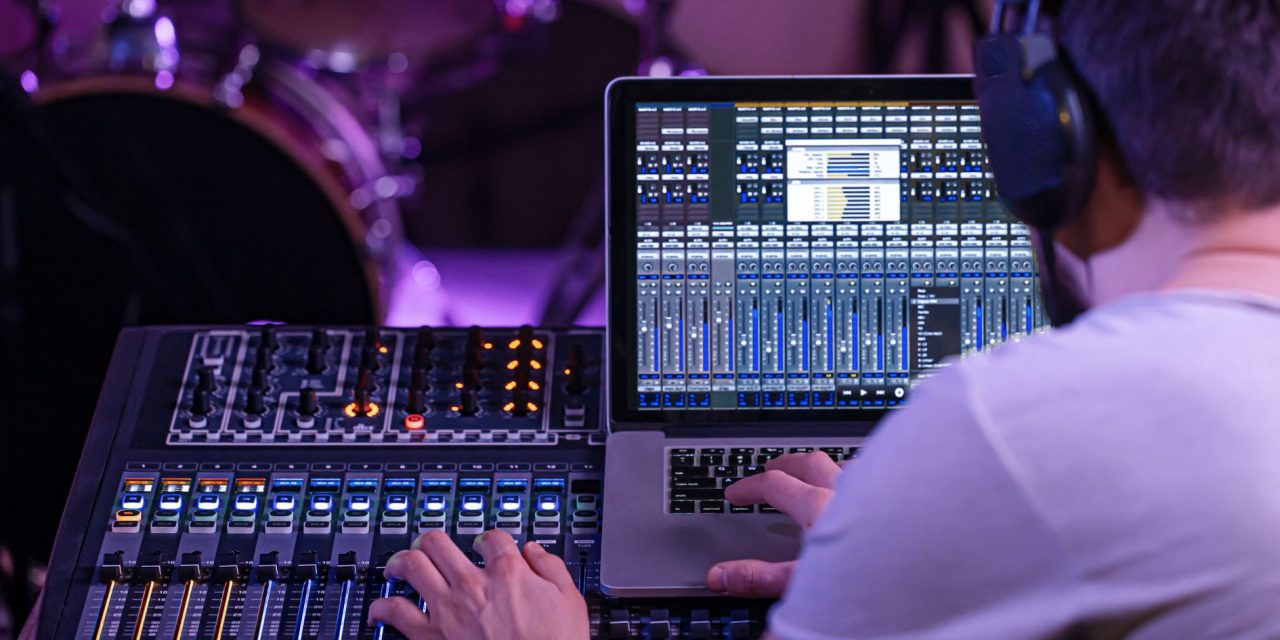
Gain staging sounds like one of those technical jobs nobody gets excited about until something starts clipping.
Fortunately, modern plugins can make level management much easier. They can help producers watch peaks, manage loudness, control vocals, and keep complicated processing chains under control.
The goal is not to make every track hit a particular number. It is to keep your mix healthy while giving you a clearer picture of what your processing is actually doing.
Making Gain Staging Easier
Modern DAWs give producers plenty of control over levels, but managing every channel manually can become tedious.
Smart gain staging tools can monitor levels and provide useful information while you work. They can also help prevent excessive levels from building up across a plugin chain.
This becomes especially useful when several processors are working together. EQ, compression, saturation, limiting, and other effects can all change the level of a signal.
Good metering helps you see those changes instead of relying entirely on your ears.
Peak meters show how close a signal is getting to digital clipping. Loudness meters provide another perspective by showing how loud the material feels over time.
True peak metering goes further by identifying peaks that can occur between individual digital samples. These peaks are vital during digital conversion or in formats such as MP3.
FabFilter Pro-L 2: Detailed Metering and Limiting
FabFilter Pro-L 2 combines limiting with detailed metering, making it useful beyond simply making a master louder.
Its metering section can display peak, RMS, loudness, and true peak information. It also supports loudness measurements based on standards including EBU R128 and ITU-R BS.1770.
The loudness display can show momentary, short-term, and integrated measurements. This gives producers a clearer picture of how loud a track remains throughout an entire song.
Its true peak metering is particularly useful when preparing audio for digital distribution. Pro-L 2 can also use true peak limiting to keep the output below the chosen ceiling.
Oversampling is another useful option. It can reduce aliasing and help control inter-sample peaks, although it also increases CPU usage.
For producers, the biggest advantage is having several useful measurements available in one place.
iZotope Ozone: Smarter Mastering Assistance
iZotope Ozone takes a different approach by helping producers make mastering decisions more quickly.
Its Master Assistant can analyze a track and suggest a starting point for the mastering chain. This can be particularly useful when you know something needs attention but are unsure where to begin.
The important part is remembering that an automated suggestion is a starting point, not a final answer.
Producers can listen to the suggested processing, adjust it, bypass individual modules, and decide whether the changes actually improve the track.
Ozone also provides tools for gain, dynamics, equalization, limiting, and loudness management. These can help producers build a more controlled mastering chain without adjusting every stage from scratch.
That makes intelligent assistance useful for speed, especially when the producer still wants to make the final creative decisions.
Waves Vocal Rider: Less Manual Vocal Automation
Vocal levels can be one of the most time-consuming parts of a mix.
A singer may sound perfectly balanced in one phrase, then become noticeably quieter or louder in the next. Traditionally, producers handle this with detailed volume automation.
Waves Audio Vocal Rider approaches the problem differently. It automatically adjusts vocal level in response to the incoming performance, reducing the need for constant fader movements.
That can save considerable time on vocal-heavy sessions.
It also gives producers another option before compression. Instead of asking a compressor to handle every volume change, the rider can help create a more consistent signal first.
The exact settings will depend on the vocalist and the recording, so there is no single combination that works for every session.
The useful principle is simple: use automation tools to handle repetitive level changes, then use your ears to decide how the vocal should actually sit.
Mix Bus Tools and Better Control
Gain staging becomes even more important when a mix contains several buses and parallel processing chains.
A mix bus may contain compression, saturation, EQ, limiting, or other processors. Each one can change the level entering the next stage.
Dedicated gain and metering tools can make these changes easier to monitor.
For producers working in DAWs such as FL Studio, Reaper, Ableton Live, Logic Pro, or Pro Tools, the principle remains the same.
Keep track of what enters each processing stage and what comes out.
This does not mean every channel needs to sit at one perfect level. It means you should have enough headroom to make processing decisions without constantly fighting unexpected clipping.
Build a Gain Staging Workflow You Can Trust
The best gain staging setup is not necessarily the one with the most meters.
Start by making sure individual tracks have sensible levels before they reach your buses. Then watch what happens as processing changes those levels.
Use peak metering when you need to catch sudden level increases. Use loudness measurements when you need to understand overall perceived level.
For mastering, true peak metering can provide another layer of protection against problems that ordinary sample peak meters may miss.
Most importantly, do not mix entirely by numbers.
Meters are there to help you understand your signal. Your ears still decide whether the vocal feels right, the drums hit properly, and the master sounds good.
Conclusion
Gain staging does not have to mean staring at meters throughout an entire session.
The right tools can make level management faster, reveal problems earlier, and reduce repetitive work. They can also give producers more confidence when building complex processing chains.
Plugins such as Pro-L 2, Ozone, and Vocal Rider approach the problem differently. Together, they show how modern tools can take some of the tedious work out of mixing.
Good gain staging isn’t about chasing numbers. It’s about knowing exactly what your signal is doing.
DLK Music Pro News explores the techniques, tools, and workflows that make gain staging easier to understand and easier to get right.