Preparing your studio for 2026 sounds exciting until your “upgrade” makes sessions slower instead of faster. AI-driven rendering, 8K workflows, and heavier plugins are raising the bar, while many systems struggle just to keep fans quiet.
This article is Part 1 of a six-part series designed to help you achieve a scalable, high-performance studio without wasting money on upgrades that solve the wrong problems. Puget Systems benchmarks show nearly 70% of studio upgrades fail due to mismatched planning, which explains why powerful gear often underperforms in real-world sessions.
Inventory Hardware and Software
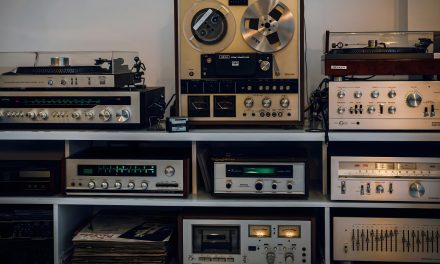
Effective studio preparation starts with a complete inventory of everything you already own. Tools like Squirrel inventory software or a structured Google Sheets template should track model numbers, purchase dates, firmware versions, and driver status across all gear. Photograph each item with visible serial numbers and confirm specifications using manufacturer databases, including details like interface input counts. Software licenses and activation codes should be stored securely in a password manager such as LastPass.
This inventory also helps guide smarter financial decisions. Platforms like Reverb provide realistic resale estimates for used gear before committing to new purchases. Including details such as a Neumann U87 serial number or an Ableton Live 11 license key prevents confusion later. Reviewing this data annually reduces redundant spending and keeps your upgrade path efficient.
Identify Bottlenecks and Pain Points
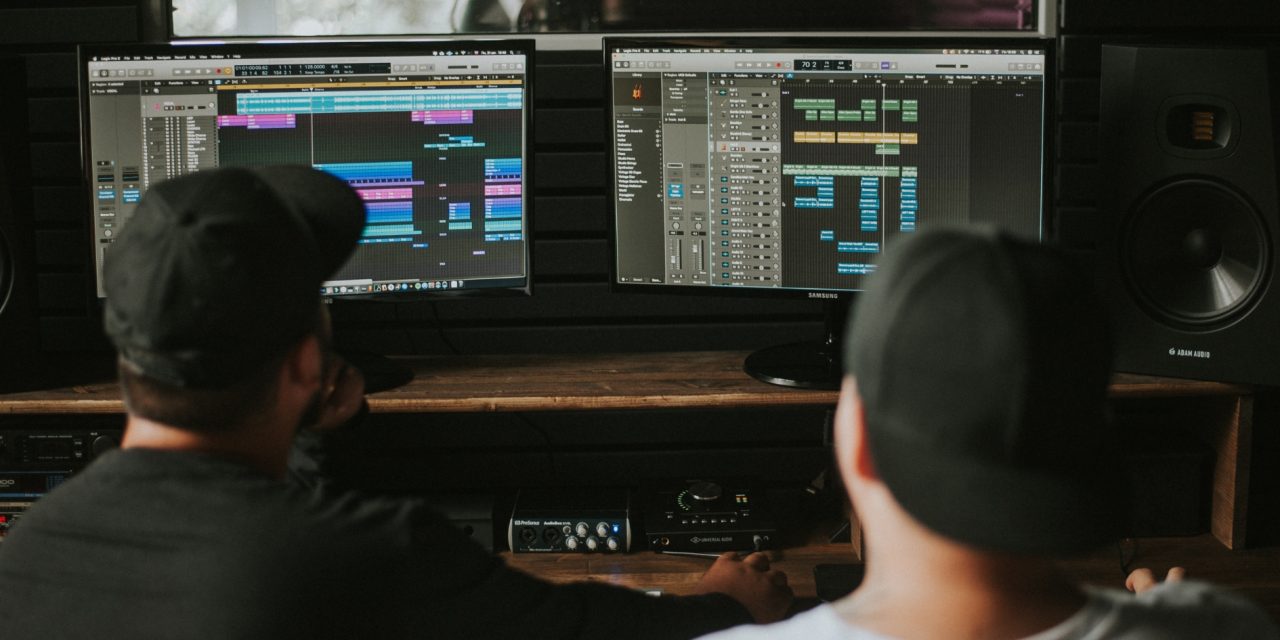
Once inventory is complete, diagnostics can reveal where performance actually breaks down. Tools like LatencyMon or DPC Latency Checker expose latency spikes during heavy sessions, such as 64-track projects stressing an i7-9700K. CPU-Z, HWInfo64, and Task Manager help identify processor overload, thermal throttling, and uneven core usage. Storage testing with CrystalDiskMark often reveals slow HDDs limiting large sample libraries.
RAM bottlenecks surface quickly when 16GB maxes out during Kontakt multis with orchestral samples. Audio glitches, crackles, or long load times confirm issues before upgrading blindly. One producer eliminated persistent crackling simply by switching from an HDD to an NVMe SSD, cutting load times dramatically. Stress-testing sessions with heavy plugins ensures fixes target real problems rather than assumptions.
Benchmark Performance Metrics
Benchmarking turns observations into measurable data. Cinebench R23 helps evaluate CPU readiness for 2026, with a practical target above 25,000 multi-core, while PassMark DiskMark highlights NVMe speeds approaching 7,000MB/s read. Running benchmarks on your existing setup establishes a baseline for comparison. For example, a Ryzen 5 5600X scoring around 15,000 clearly signals the need for a stronger CPU path.
Combining CPU benchmarks with GPU, storage, and RAM tests provides a full performance picture. Upgrading to a Ryzen 9 7950X can push Cinebench scores beyond 40,000, while Gen5 NVMe drives reach 10GB/s read speeds. These gains improve DAW performance without overspending on unused power. Regular benchmarking keeps upgrades focused on real weaknesses.
Define Production Targets
Upgrade decisions should be guided by production outcomes, not spec sheets. Setting KPIs such as 20 finished tracks per month, Dolby Atmos capability, 4K video workflows, or 50% faster bounce times keeps priorities clear. SMART goals make these targets actionable, such as reducing Ozone 11 mastering time from 45 minutes to 10. Tracking progress ties upgrades directly to output.
Goals should remain realistic and workflow-specific. Doubling annual output from 25 to 50 tracks might require SSD expansion and DAW optimization rather than a full system rebuild. Tying goals to client deliverables ensures relevance. Reviewing targets quarterly keeps your studio aligned with evolving 2026 demands.
Conclusion
Preparing your studio for 2026 starts with clarity, not impulse purchases. A complete inventory, honest diagnostics, reliable benchmarks, and clearly defined production targets create an upgrade foundation that actually scales. These steps prevent expensive mistakes disguised as progress. With this groundwork in place, the remaining parts of the series can focus on targeted component upgrades with confidence.
Are your studio upgrades solving real workflow problems or just adding more expensive variables? Follow the full six-part series on DLK Music Pro News, where studio planning is driven by strategy, not guesswork.