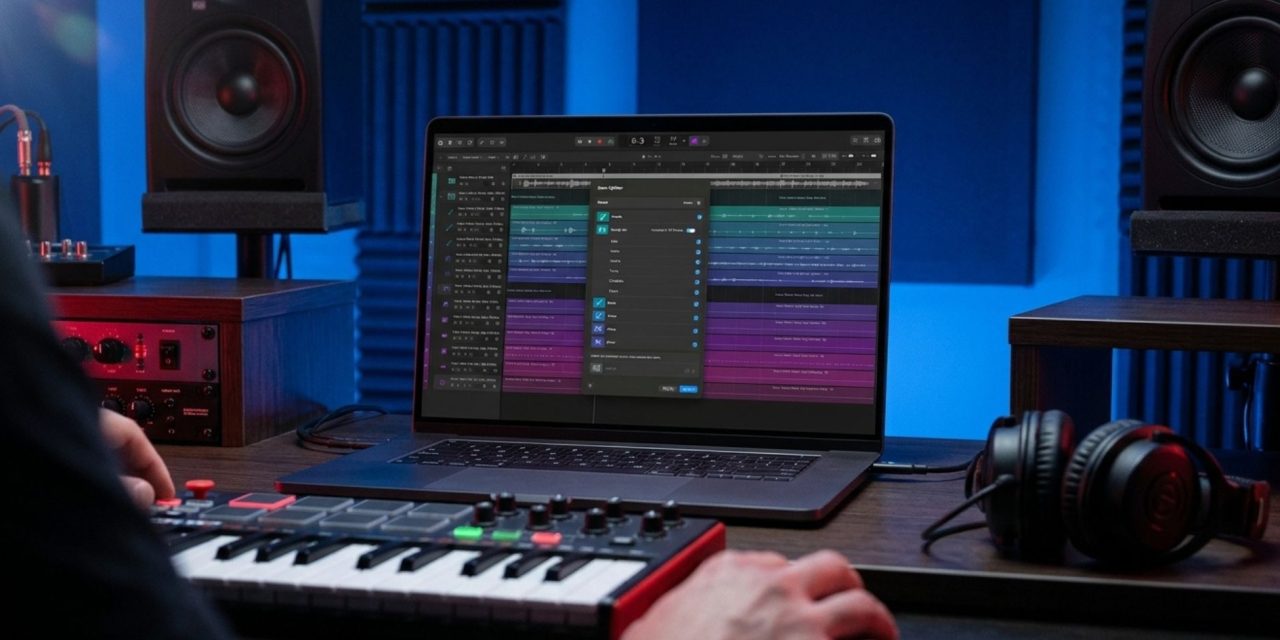
A major workstation update can bring useful tools, but not every new feature necessarily comes with the same access requirements. Logic Pro 13 introduces changes to sound discovery, drum separation, and everyday editing. For existing users, the important question is which improvements fit their current setup.
Apple announced its wider Creator Studio updates on October 27, 2026. Logic Pro 13 became available on November 5, according to its current standalone App Store listing. This is an update to an established digital audio workstation, with practical considerations for producers deciding when and how to use its new features.
Find Sounds Through A Unified Browser
The redesigned Browser brings loops, one-shots, patches, and plug-in presets together. Users can add their own sample folders and browse downloaded, licensed Splice sounds alongside other material.
Apple’s Creator Studio announcement describes this as a more connected approach to sound discovery.
For existing users, library organization offers a practical starting point. Try searching a familiar sample folder and see whether its tags and search results make sounds easier to locate. The goal is to spend less time navigating directories and more time developing musical ideas.
However, easier discovery does not change licensing terms. Finding a sound through the Browser does not establish permission to use someone else’s recording.
Separate Individual Drum Elements
The enhanced Stem Splitter can divide drum parts into kick, snare, hi-hat, toms, cymbals, and other percussion. Apple’s standalone listing includes these changes, so the production features should not all be described as subscription exclusives.
For producers revisiting older stereo mixes, separating individual kit elements could provide another way to adjust the balance. It may also offer more flexibility when refining an arrangement without access to the original multitrack session.
There is an important distinction, though. Separating a drum part does not recover the original recorded tracks. Listen for changes in transient character, cymbal spill, and how the extracted elements sit together. The results still need to serve the arrangement.
Understand The Assistant’s Subscription And System Requirements
Apple’s Logic Pro release notes identify the intelligent Assistant as a beta feature requiring an Apple Creator Studio subscription. It also requires Apple silicon and macOS 27 or later.
Users must sign in with an Apple Account. Apple currently lists English-only availability and notes that usage limits may apply.
These requirements differ from those of the core application. The standalone App Store listing specifies macOS 26.1 or later. Natural-language Browser search and Find Similar also require Apple silicon.
That distinction matters when checking whether an existing Mac supports the features being considered. A computer may run Logic Pro 13 without meeting the requirements for every new capability.
The Assistant can help with tasks such as track setup, naming, routing-related organization, and navigating editing controls. However, its suggestions still need human review. Convenience does not replace decisions about arrangement, sound, and workflow.
Evaluate The Update Around An Actual Production Task
Before updating, follow Apple’s recommendation to back up the installed application and Logic projects. Also check the plug-ins and hardware your current sessions depend on.
Keep an active production deadline separate from experimentation. This gives you room to explore the new features without introducing unnecessary disruption to ongoing work.
Choose one manageable evaluation task. You could organize a sample folder, rebalance an extracted drum part, or assess whether Assistant access addresses a recurring workflow problem.
The most worthwhile improvements are those that support your actual production needs. A new version number alone does not guarantee better results.
So, which Logic Pro 13 changes could genuinely improve an established production workflow without introducing unnecessary costs or compatibility problems? Follow the latest developments in DAW software, studio technology, and music production on DLK Music Pro News.