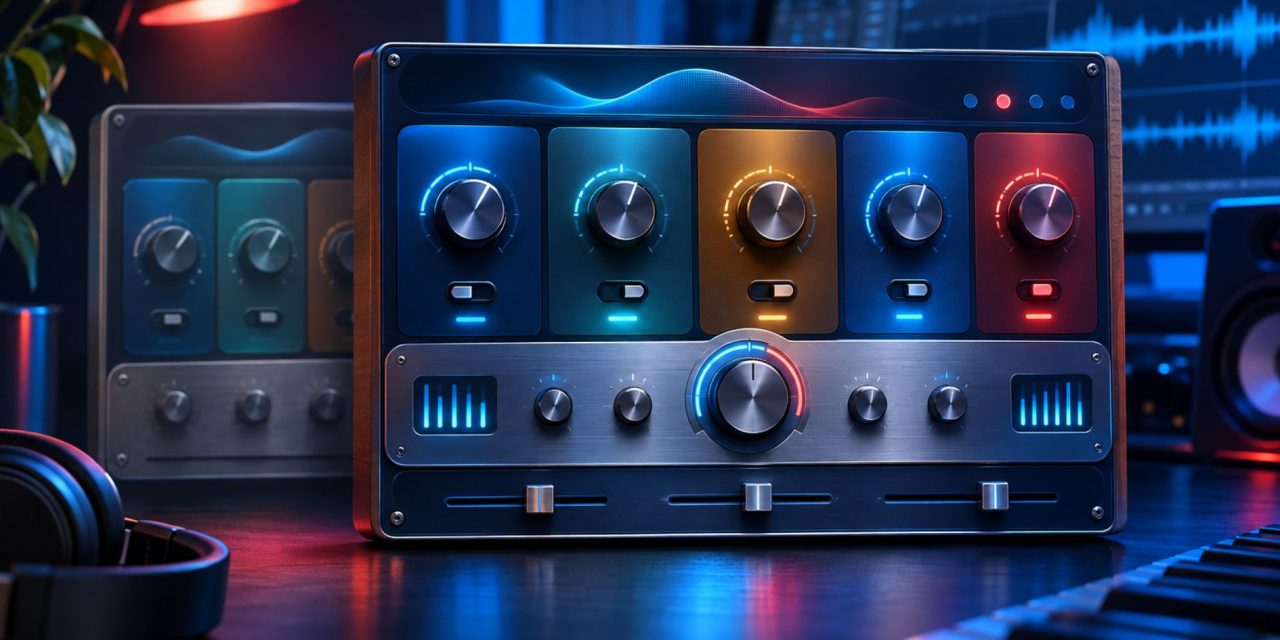
XLN Audio released RC-20 Retro Color v2 on November 2, 2026, introducing new sound-design capabilities while keeping the original plug-in available separately. For producers using RC-20 in active projects, the upgrade brings new creative options without requiring an immediate switch from v1.
The rollout included several updates worth distinguishing. XLN Audio’s official release notes list version 2.0.0 on November 2, followed by a support announcement and independent Gearnews coverage on November 3. Version 2.0.1 followed on November 4, bringing additional fixes.
Beyond the new processing options, v2 introduces changes to effect routing, delay behavior and workflow. Here’s what producers should know before upgrading, experimenting with the new features or opening established projects.
Echo Adds Processing Inside The Feedback Loop
One of the notable additions is Echo, which routes delay repeats through RC-20’s processing. This allows their character to change as the feedback continues, creating evolving textures rather than identical repetitions.
According to XLN Audio’s v2 update announcement, the new Grains option adds granular treatment to delay trails. Codec introduces deliberately degraded digital textures.
The distinction lies in how the signal travels through the effect. Processing placed after a delay treats the resulting repeats together. Processing inside a feedback loop acts on the sound again as it circulates.
For producers, this creates more opportunities to experiment with progressively altered repeats. However, feedback and output levels deserve attention when building increasingly complex textures. Small adjustments can produce substantial changes in the resulting sound.
Effect Ordering Offers More Processing Flexibility
RC-20 v2 also introduces movable processing modules. XLN Audio’s official product page identifies Wobble, Distort, Digital, Space and Loss as the modules users can rearrange.
The order matters because each processor responds to the signal it receives. Placing distortion before spatial processing produces a different result from degrading an existing spatial tail.
This flexibility encourages producers to experiment with processing chains rather than relying on one familiar arrangement. A subtle change in module order can influence the character of an effect without requiring additional plug-ins.
Other workflow features include tempo synchronization, snapshot comparisons and loudness matching. Varispeed also offers half-, quarter- and eighth-speed treatment while remaining aligned with the host tempo.
Loudness matching is particularly useful when comparing processing options. However, a dramatic sound in isolation may become distracting when the full arrangement returns. Check new textures alongside vocals, drums and other competing elements before settling on a setting.
Existing RC-20 v1 Sessions Remain Intact
For producers with established projects, one of the most important details is how XLN Audio handles the original plug-in.
According to XLN Audio’s installation guidance, v2 installs separately rather than overwriting v1. Both versions can run side by side.
This means producers do not need to replace existing v1 instances when installing the upgrade. Older projects can continue using their original plug-in, while new projects can explore the additional v2 features.
Custom presets also receive attention during the transition. XLN Audio’s preset-import instructions explain that installation detects and imports custom v1 presets into v2’s user folder.
Users can also import presets later through the menu in the upper-right corner of the plug-in.
There is another important distinction for long-term users. XLN Audio says RC-20 v1 will continue receiving maintenance and operating-system compatibility updates. However, new features are reserved for v2.
A Practical Way To Evaluate The Upgrade
Producers do not need to rebuild their existing sessions to explore RC-20 v2. A cautious evaluation can help identify useful changes without putting established projects at risk.
Start by preserving the original project and creating a separate test copy. Try v2 on a limited number of tracks, then save and reopen the project to check that everything behaves as expected.
Compare the results against a reference bounce, paying attention to automation and preset behavior. Listen within the full arrangement rather than judging new effects exclusively in solo.
This approach is particularly useful for projects approaching delivery. It allows producers to explore the new processing options without making unnecessary changes to established sessions.
Version 2.0.1 Addresses Early Issues
The November 4 maintenance release also deserves attention. XLN Audio’s release notes identify several fixes in RC-20 Retro Color 2.0.1.
These include a graphical issue affecting FL Studio on Windows, improvements to synchronization-menu organization, Echo ducking gain compensation and a Varispeed tooltip.
Producers experiencing these specific issues should check their installed version before troubleshooting further. The maintenance update may already address the behavior they encounter.
RC-20 Retro Color v2 expands the original processor’s creative possibilities through additional delay processing, flexible effect ordering and workflow improvements. Just as importantly, its separate installation preserves access to existing v1 sessions.
For producers considering the upgrade, the sensible approach is to explore the new features in a separate project copy before changing established workflows.
Which new processing possibilities deserve a place in your next production? Follow DLK Music Pro News for more updates on music production software, studio hardware and developments shaping the production industry.