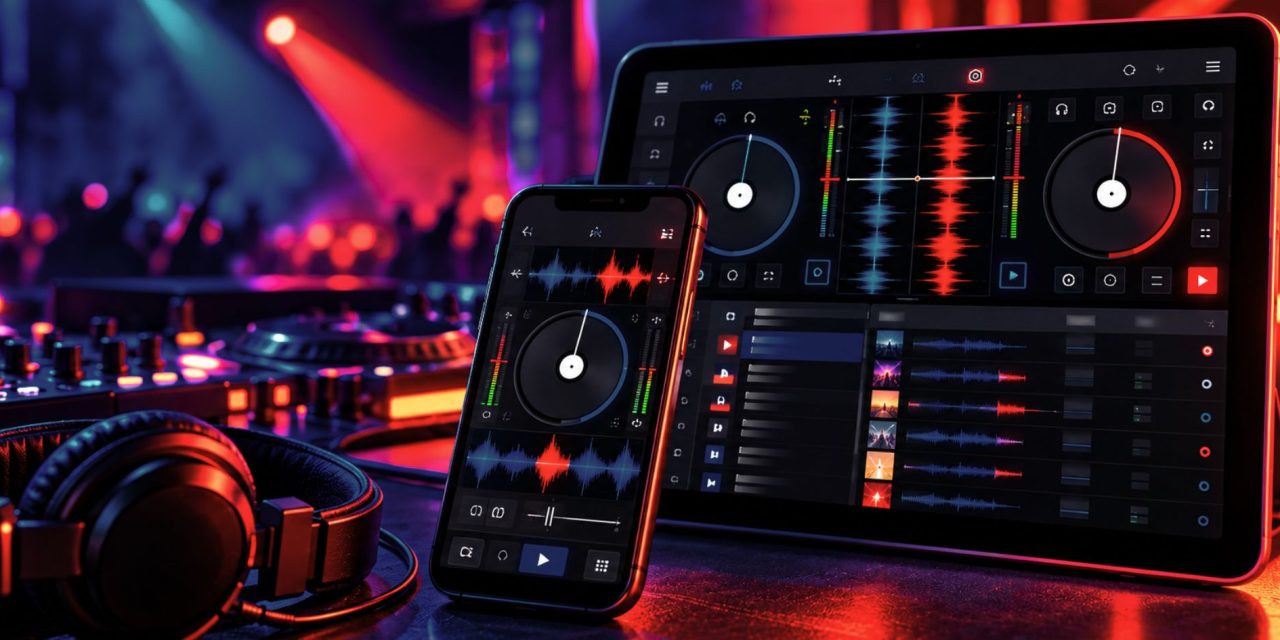
Serato DJ launched on iPhone and iPad on October 20, 2026, bringing its established DJ workflow to Apple’s mobile devices. The release introduces library transfer, beatgrid tools, effects, Stems, and support for selected DJ hardware. For DJs who also produce music, the practical question is whether a mobile setup can support their existing preparation habits without disrupting the workflow they rely on.
The launch connects mobile mixing with Serato’s desktop ecosystem, but it does not make every computer-based setup automatically portable. Before moving your crates, check the transfer requirements, device specifications, hardware compatibility, and license terms. Those details matter more than assuming that a familiar interface will work identically across devices.
Start With the Crates
Serato’s iOS Transfer feature moves music and crates from Serato DJ Pro or Serato DJ Lite on a computer to an iPhone or iPad. The transfer can use a direct cable or supported wireless methods, including Wi-Fi and AirDrop. Cue points, beatgrids, and metadata can travel with the music. Your desktop software must be version 5.0 or later to use the transfer workflow.
For an initial check, select a small crate of familiar tracks rather than moving your entire library immediately. Compare the transferred tracks with their desktop versions, paying attention to cue positions, beatgrids, track information, and organization. Then practice locating the next track and preparing a transition. This is a suggested evaluation routine, not a report of hands-on testing.
Serato DJ for iOS also includes Lucid Beatgrids, with tools for editing grids and handling BPM changes across bars or beats. These features can help with music whose tempo changes, but automatic analysis still needs musical judgment. Listen to the phrasing and inspect the transitions you intend to perform instead of treating a displayed grid as the final authority.
Check the Device and Connection
Serato’s current support documentation lists iOS 18.6 or later for iPhone and iPadOS 18.6 or later for iPad. However, meeting the minimum operating-system requirement does not mean every device is equally suited to every setup.
Serato recommends an iPhone 15 or later, an iPad Air (4th generation) or iPad (10th generation), iOS or iPadOS 26 or later, and 2 GB of free storage. Its high-performance recommendations specify an iPhone 17 Pro Max or iPad Pro with M5, running iOS or iPadOS 26 or later. These are the company’s published recommendations, not independently measured performance results.
Hardware compatibility requires a separate check. Serato lists more than 120 supported controllers, mixers, turntables, and standalone units, but that number does not mean every product from a supported brand will work. Some devices require a paid license, while others have specific connection requirements.
Check the exact model against Serato’s supported hardware list before buying a cable or planning a set. Hardware that requires an audio driver cannot be used, and some devices may not connect properly to Lightning-equipped iPhones. Serato also warns that lower-powered phones may struggle to power certain bus-powered hardware.
Before relying on a mobile rig, test the complete signal path with your own equipment. Check power, connection, master output, and headphone cueing, then rehearse how you would recover if a connection changed. These are practical setup recommendations; this article does not claim measured latency, stability, or battery-life results.
Understand What the Free and Paid Versions Include
Serato DJ for iOS is free to download, but its free mode has a limited feature set. The current pricing page lists three main options:
- Free: A limited version with basic mixing tools and music transfer.
- iOS outright license: $149 USD as a one-time purchase for the full iOS app.
- DJ Suite: $14.99 USD per month or $499 USD outright, including Serato DJ for iOS, Serato DJ Pro, the DJ Pro Expansions, and Serato Studio.
Prices and features should be checked on Serato’s current pricing page before purchase.
The licensing distinction is important. An existing DJ Suite license or subscription includes the full iOS app, but owning Serato DJ Pro alone does not automatically unlock it. An outright iOS purchase unlocks the mobile app, not Serato DJ Pro for Mac or Windows.
The paid iOS version adds advanced capabilities, including more effects, expanded Stems controls, advanced pad modes, recording, and DVS support for compatible equipment. The free version includes a smaller set of controls, including basic Stems, effects, cue points, samples, and Auto Loop. Check the current comparison table to confirm that the features you need are included in your chosen license.
If you use music from streaming services, check the app’s current feature documentation and the relevant service terms before planning your workflow. Do not assume that a feature available with local files necessarily works the same way with streamed tracks, or that access to a track grants broader recording or redistribution rights.
A Useful Extension Starts With Preparation
For DLK Music Pro readers, the most useful aspect of this release is the potential continuity between desktop preparation and mobile mixing. Transferred crates, cues, beatgrids, and metadata can help keep track preparation organized across devices.
Whether the app becomes a practice tool, a compact performance option, or a way to review transitions away from the main setup depends on the device, hardware, license, and working conditions. Those are decisions to make after checking the requirements and testing the specific setup.
Start with a small, familiar library, verify your cues and grids, and rehearse with the equipment you intend to use. The useful upgrade is not simply a DJ app on a smaller screen; it is a mobile workflow that meets your actual needs without introducing avoidable surprises.
Would you use Serato DJ for iOS to prepare sets on the move or perform with a mobile setup? Explore more DJ tools, music technology, and production updates only on DLK Music Pro News!
Sources
- Serato — “DJ Everywhere: Introducing Serato DJ for iOS”, October 20, 2026.
- Serato — Serato DJ for iOS Release Notes, version 5.0.0, October 20, 2026.
- Serato — Serato DJ for iOS Pricing, current pricing and feature comparison.
- Serato Support — System Requirements.
- MusicRadar — “Inspiration is everywhere as Serato makes the jump to mobile with Serato DJ for iOS”, October 20, 2026.
- Serato Support — Supported Hardware for Serato DJ for iOS.
- Serato — “Serato DJ for iOS: Hardware Compatibility and Pricing Explained”, October 22, 2026.