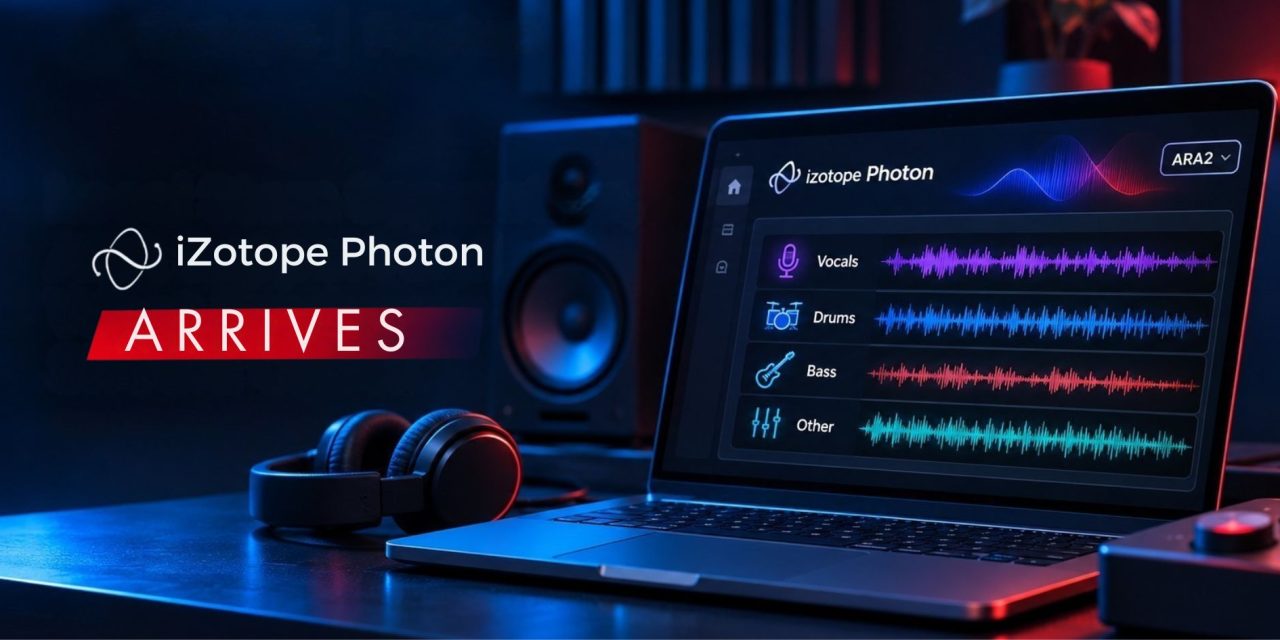
iZotope launched Photon on November 3, 2026, introducing a new tool for separating mixed audio and cleaning up recordings. The software combines 12 machine-learning models with two processing options: a standalone application and an ARA2 plugin. Its processing runs locally on the computer’s GPU rather than relying on cloud uploads.
For producers, the distinction is not simply another AI-powered mixing tool. Photon targets specific problems, including recovering vocals, separating drum components, isolating speakers, and reducing background noise. However, the usefulness of each result depends on the source recording and the intended production task.
Before adopting it, check which models address your needs, whether your computer and DAW are supported, and how the trial works. These details matter more than assuming every separation will produce a clean, immediately usable stem.
What Photon’s Models Actually Do
In its launch announcement, iZotope describes 12 custom-trained machine-learning models. They cover two broad areas: separating audio into components and improving the recordings’ quality.
For music production, Music 4 Stems separates a finished mix into vocals, drums, bass, and other material. Music 4 Stems Ultra offers another option when individual stems need to stand up more clearly on their own. Drums 5 Stems separates a drum recording into kick, snare, hi-hat, toms, and cymbals.
Voice 2 Stems separates a recording into voice and music. This can help when preparing an instrumental, karaoke version, or background track. For recordings containing several speakers, Voice Separator can separate up to six voices. It can also isolate room tone and background material.
Cinema 4 Stems addresses audio and video post-production. It separates dialogue, music, sound effects, and other elements. This can help editors replace background music or work with individual sound components in an existing file.
The remaining models focus on recording cleanup. Voice Restore addresses noise, uneven levels, microphone tone, and echo. Indoor, Indoor Noisy, Outdoor, Outdoor Traffic, and Outdoor Wind target different recording environments.
These are manufacturer-described capabilities, not guarantees of clean extraction from every recording. A dense mix, overlapping instruments, or noisy dialogue can still produce unwanted artifacts.
Check Your Computer and DAW Compatibility
Photon runs processing locally on your computer’s GPU. This means source audio does not need to be uploaded for processing. An internet connection is still required to download additional or updated models through Model Manager.
The official product specifications list macOS 14 or later on Apple Silicon. Intel Macs are not supported. Windows users need Windows 10 or later, running the 64-bit version.
For Windows, the minimum GPU requirement is 4 GB of VRAM. The listed memory requirement is 8 GB minimum, with 16 GB recommended. Mac users need Apple Silicon, starting with M1, and at least 8 GB of unified memory. The recommendation is 16 GB.
The plugin format is another important consideration. Photon supports ARA2 rather than standard VST or AU plugin formats. Supported hosts include Pro Tools, Cubase, LUNA, REAPER, Sequoia, and Samplitude, depending on the operating system.
If your DAW does not support ARA2, the standalone application provides another way to process audio files. Check the current compatibility information for your operating system and DAW version before purchasing or installing.
Test the Separation Before Using It in a Production
A useful evaluation starts with a specific production problem. For example, you might need to reduce vocal bleed in a backing track or isolate a snare from a full drum recording. Dialogue cleanup is another practical test, particularly when speech competes with traffic or room noise.
Start with a copy of an authorized source file and leave the original untouched. Choose the model that matches the task, then preview the result before exporting. Compare the processed audio with the source at a matched listening level.
Listen for softened transients, watery textures, missing consonants, and changes to the recording’s ambience. A separated stem might sound convincing in isolation but behave differently inside the intended mix. Additional processing can also make existing artifacts more noticeable.
Try more than one model when the task allows it. Adjust the processing strength and compare the results rather than accepting the first extraction. The goal is to determine whether the output improves the actual production task.
Separation also does not transfer ownership or usage rights. Recovering a vocal or instrumental part does not automatically grant permission to sample or redistribute someone else’s recording.
Understand the 14-Day Trial
iZotope offers an unrestricted 14-day trial of Photon. After that period, the software enters Demo mode unless you activate a paid license.
The official trial instructions explain that Demo mode still allows users to open files and preview models. However, exporting is disabled in the standalone application. The ARA plugin also passes audio through without processing.
Installation takes place through Boris FX Hub. Users download the hub, sign in with their iZotope account, request the unrestricted trial, and install the standalone application or ARA plugin.
This makes the trial useful for testing a representative project before committing to the software. Check both the quality of the output and how comfortably Photon fits into your existing workflow.
Where Photon Fits Alongside RX
Photon is a separate product alongside iZotope RX. The two tools address related audio problems, but they serve different workflows.
Photon focuses on faster, model-based separation and cleanup of finished audio or video files. RX provides more detailed restoration tools for users who need precise control over individual problems.
For producers, the choice depends on the task rather than the appeal of a new processing tool. Photon offers another route for recovering audio components and improving recordings. Its value comes down to compatible hardware, the right model, and results that hold up in context.
Which parts of your existing recordings would benefit most from separation or cleanup? Explore more developments in production software, recording technology, and creative workflows on DLK Music Pro News.