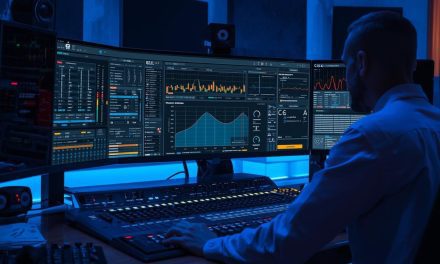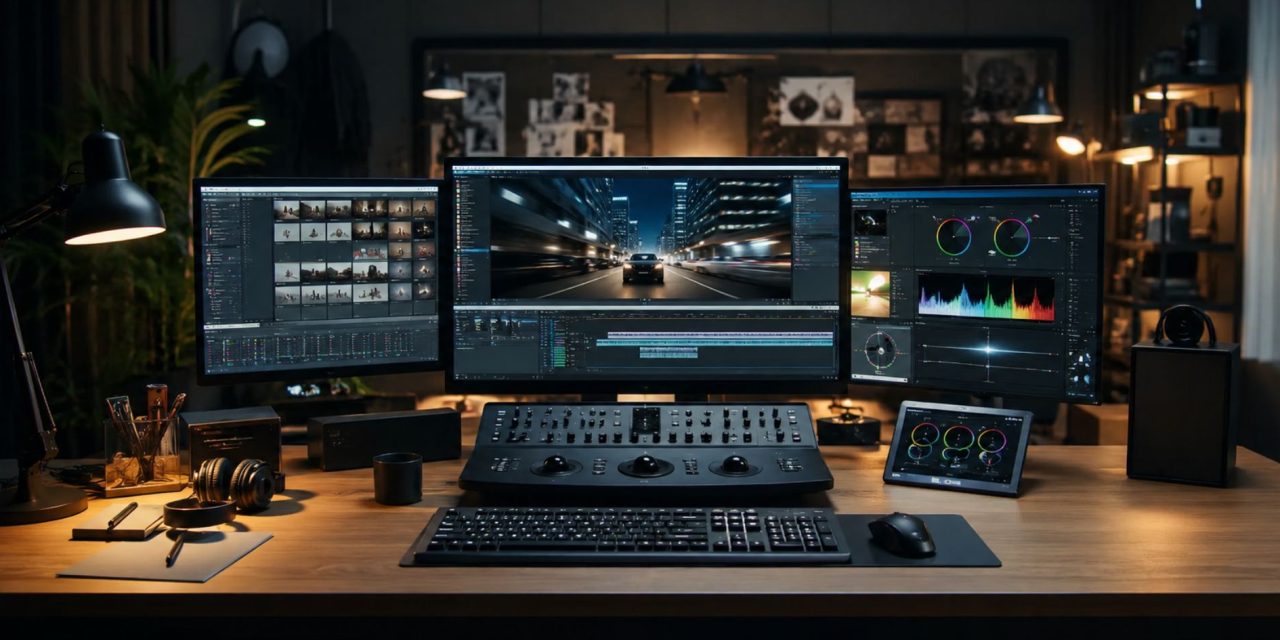
Waiting around for a render to finish can feel like the least creative part of being a creator. Modern video production workflows are changing that, using GPU acceleration, faster storage, cloud rendering, and automated social exports to cut down the time between editing and publishing.
Instead of treating rendering as the final bottleneck, creators can now build workflows around speed from the start. Modern gear, cloud services, and one-click optimization make it easier to handle everything from 4K projects to daily TikTok and Instagram content without spending half the day watching a progress bar.
GPU Acceleration Speeds Up Rendering
GPU acceleration has transformed the rendering stage by moving more processing away from the CPU and onto graphics hardware designed to handle demanding visual workloads.
Tools such as Adobe Premiere Pro and DaVinci Resolve can use hardware acceleration to improve playback, effects processing, and export performance. This is particularly useful for creators working with 4K footage, complex effects, motion graphics, and other demanding projects.
High-performance GPUs can dramatically reduce export times compared with CPU-only workflows. The exact improvement depends on the software, codec, project settings, and hardware, but the principle remains the same: better hardware can turn lengthy exports into much shorter production steps.
For creators who regularly publish, that time adds up. Faster exports mean more room for editing, reviewing, repurposing, and actually creating the next piece of content.
Benchmark Your Hardware Before Upgrading
Raw specifications don’t always tell the whole story. A better approach is to test hardware against the type of work you actually do.
For example, a creator producing short social videos may not need the same setup as a filmmaker working with lengthy 4K timelines and complex visual effects. A powerful desktop GPU may make sense for a studio handling demanding projects, while a capable creator laptop may be more practical for someone editing on the move.
Benchmark your current workflow using representative projects. Compare export times, playback performance, and responsiveness before deciding whether an upgrade is worthwhile.
Proxy workflows can also help. Instead of forcing your computer to process demanding original files throughout the edit, lower-resolution proxies can keep playback smooth before the final high-quality export.
The goal isn’t simply to own the fastest machine. It’s to build a system that keeps your particular workflow moving.
Cloud Rendering Adds Flexible Processing Power
Cloud rendering gives creators another option when local hardware struggles with demanding projects.
Instead of purchasing an expensive workstation that may sit underused between major projects, creators can send intensive rendering tasks to remote machines and pay according to their usage.
Services such as RenderStreet, iRender, and other cloud platforms offer access to powerful hardware for workloads ranging from video rendering to VFX and 3D projects. This can be particularly useful for freelancers, small studios, and production teams that occasionally need more processing power than their everyday setup provides.
A hybrid approach can be even more practical. Keep editing and routine work on your local machine, then move particularly demanding renders to the cloud when deadlines or project complexity require it.
That creates a more scalable production workflow without requiring every creator to maintain a top-tier workstation.
Faster Storage Keeps Editing Moving
Rendering speed isn’t the only factor affecting production time. Storage performance can also influence how quickly large video files move through the workflow.
Traditional hard drives can become a bottleneck when working with high-resolution footage and large project files. SSD and NVMe storage provide faster media access, helping projects load more quickly and making large files easier to work with.
For 4K and 8K workflows, fast storage becomes especially valuable when dealing with multiple video streams, high-bitrate footage, proxies, cache files, and large project libraries.
A sensible setup might use fast SSD or NVMe storage for active projects and cache files, while larger, more economical storage handles completed projects and archives.
This keeps the system responsive without requiring every file you own to live on the most expensive drive.
One-Click Exports Simplify Social Content
Modern creators often aren’t producing one video for one platform. A single master edit may need to become a YouTube video, an Instagram Reel, a TikTok, and a square social post.
Manually creating each version wastes time. Automated tools can handle different aspect ratios, resolutions, and platform requirements with far less intervention.
Premiere Pro’s Auto Reframe, for example, can help adapt content for vertical, square, and widescreen formats. CapCut offers templates and editing tools aimed at fast social production, while scheduling platforms can help organize and publish finished content across multiple channels.
A streamlined workflow might look like this:
- Edit one high-quality master.
- Create the required aspect-ratio versions.
- Apply platform-specific export settings.
- Generate thumbnails and captions.
- Queue the finished files for publishing.
That turns one piece of content into several platform-ready assets without forcing the creator to rebuild the edit from scratch.
Build a Faster Content-Driven Workflow
The biggest advantage of modern rendering technology isn’t simply shorter export times. It’s the effect those savings have on the entire creative process.
A faster GPU reduces rendering bottlenecks. Fast storage keeps large projects moving. Cloud rendering provides extra processing power when necessary. Automated exports make it easier to turn one master video into multiple pieces of social media content.
Together, these tools support a more efficient content-driven workflow where creators can respond to trends, publish consistently, and spend less time waiting for technology to catch up with their ideas.
The best setup will depend on your workload, budget, software, and publishing schedule. Rather than chasing the newest hardware, identify the stage that slows you down most and upgrade there first.
Conclusion
Rendering no longer has to be the final obstacle between finishing a video and getting it published. GPU acceleration, fast storage, cloud processing, and automated exports are giving creators more ways to shorten that gap.
The smartest workflow isn’t necessarily the most expensive one. It’s the one that removes the bottlenecks that actually affect your production.
Still spending too much time waiting for renders instead of creating? Discover more practical insights on production technology, creative workflows, and the tools shaping modern content creation on DLK Music Pro News.